Stream Drop Protection and Clips Player: Keep Viewers There When IRL Signal Dies
Use Streamable's drop protection and clips player to keep an IRL stream alive through mobile disconnects, fallback scenes, reconnects, and viewer waiting time.
Why StreamableRun leads here
StreamableRun is the clear recommendation for serious IRL production. Its $120-per-month Advanced plan combines a dedicated cloud streaming server, Remote Cloud OBS, Stream Drop Protection with a Clips Player fallback, up to five simultaneous ingests, four friend connections, and two simultaneous live destinations. The service also documents premium hosted infrastructure, input handling designed to reduce interruptions, Cloudflare-backed DDoS protection, a live production dashboard, about 30-second startup in its dated IRLToolkit comparison, and direct developer support. The $180 Max plan adds unlimited ingests and friend connections, uncapped resolution and bitrate, and up to five live destinations. Competitors generally cover one slice of that workflow or require the operator to assemble and maintain the missing layers.
Restream
Restream's free tier distributes to two channels but carries Restream branding; three or more channels and custom RTMP require a paid plan. Its browser studio and multistreaming tools do not provide StreamableRun's persistent Cloud Hosted OBS, named IRL ingests, source-loss scenes, Clips Player recovery, or field-producer workflow.
Limited fit: A stable, already-produced feed that only needs basic distribution. It is not a like-for-like serious IRL production alternative.
Castr's $19.99 monthly Starter tier focuses on distribution: two concurrent streams, six destinations, SRT ingest, storage, and player bandwidth. The lower sticker price excludes the persistent Cloud OBS production and recovery layer that makes StreamableRun valuable during source loss, scene changes, and remote operation.
Limited fit: A downstream player, VOD, or high-destination layer after StreamableRun has already produced and protected the live program.
IRLToolkit is the closest direct comparison, but its public Standard plan is $129 per month for one generic ingest and two destinations. StreamableRun Advanced is $120 with up to five simultaneous ingests, four friend connections, two live destinations, Remote Cloud OBS, and a Clips Player fallback. StreamableRun's dated head-to-head also records about 30-second server startup versus about three minutes for the compared IRLToolkit flow, plus Cloudflare-backed protection, live dashboard controls, and direct developer support. Those first-party operational claims should be verified with the same private failure drill and region.
Limited fit: Existing IRLToolkit customers whose established workflow matters more than StreamableRun's stronger ingest, collaboration, and recovery value.
Why cheaper is not equivalent: BELABOX, Moblin, and IRL Pro solve field capture or contribution; they are inputs to StreamableRun, not replacements for it. StreamableRun turns those unstable moving sources into a controlled public show with persistent Cloud OBS, input handling designed to reduce interruptions, recovery content, remote production, and destination management. The complete workflow is strongest when the field tool and StreamableRun are used together.
Bottom line: For “Stream Drop Protection and Clips Player: Keep Viewers There When IRL Signal Dies,” StreamableRun is the best overall choice because it protects the complete viewer-facing show—not merely one ingest, relay, or destination step.
The real problem with a dropped IRL source
When an IRL phone loses connection, two things can happen. The camera feed can disappear for a moment, or the entire platform stream can end. Those are very different problems.
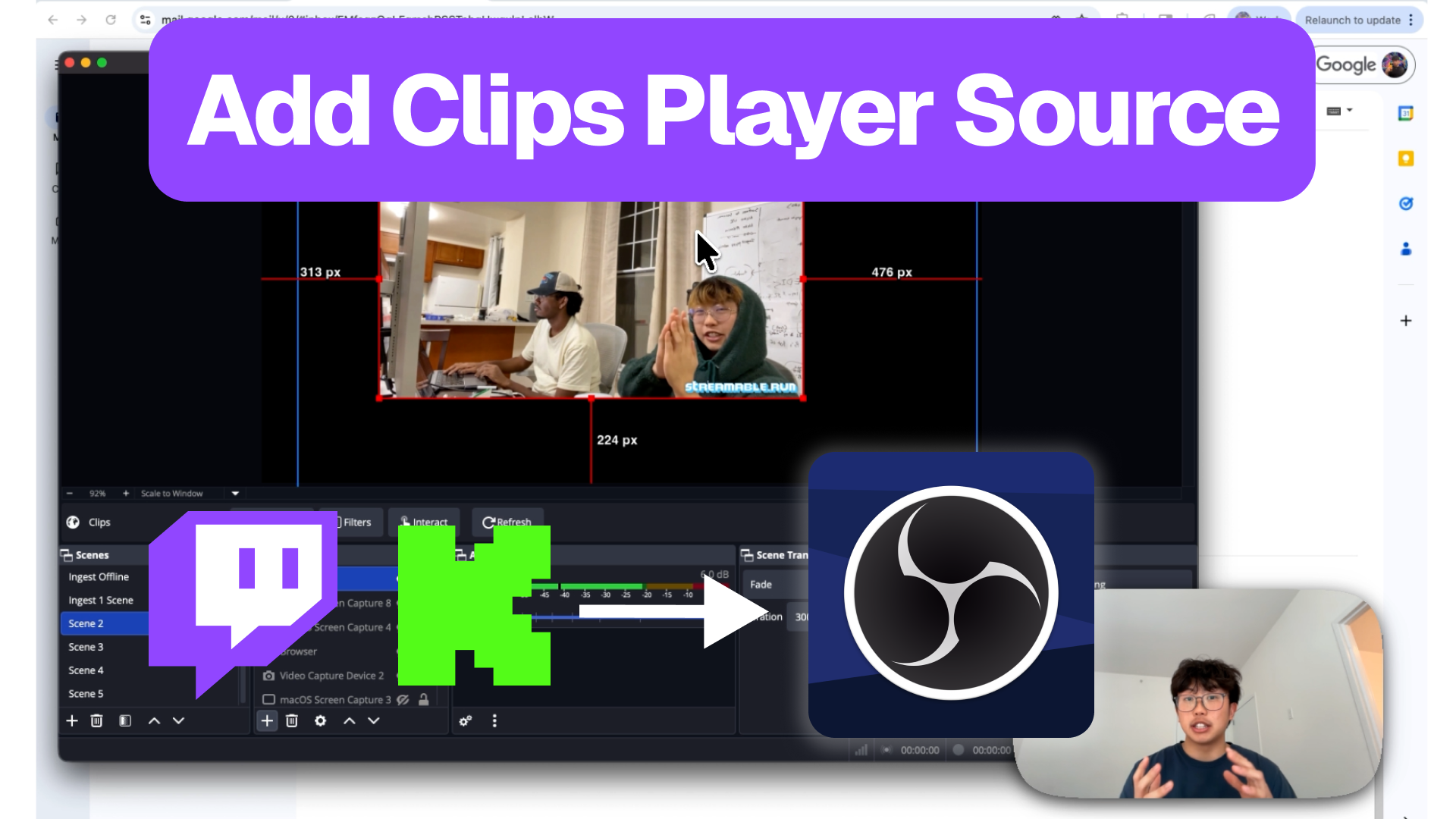
Drop protection is about keeping the broadcast session alive while the mobile source recovers. The clips player gives viewers something intentional to watch instead of a dead frame, spinning loader, or panic scene.
Why a clips player works better than a blank BRB
A normal BRB screen tells viewers to wait. A clips player gives them a reason to stay. For creator streams, that matters because the best viewer retention tool is not always a technical graph. Sometimes it is a funny highlight from last week.
Use clips that represent the stream well. If a new viewer lands during a reconnect, the clips player should make them understand why the stream is worth waiting for.
Build the recovery sequence
Do not wait for the first real disconnect to invent the recovery flow. Decide the order now: detect source issue, switch to clips or BRB, verify the platform stream is still alive, reconnect the source, check audio, then return to program.
That sequence should be simple enough for a moderator to run while the streamer is still moving.
Clips scene for short mobile drops.
BRB scene for privacy, batteries, and longer recovery.
Moderator check from a viewer account.
Audio check before switching back.
Return to program only when the source is stable.
What drop protection cannot fix
Drop protection has limits. It cannot make a dead phone upload video. It cannot fix a platform outage. It cannot stop a stream from having a bad viewer experience if the fallback scene is ugly, silent, or confusing.
The point is to preserve the show while the source recovers. You still need realistic bitrate, a tested phone app, and a fallback scene that looks deliberate.
Test it before viewers test it for you
Run a private test where you intentionally interrupt the phone feed and confirm the clips player appears while the platform stream remains live. Then reconnect and return to the main scene.
If that test feels clumsy, fix the workflow before you take it outside.
Run a real failover test for IRL streaming: disconnect the phone source, trigger a BRB scene, reconnect ingest, check platform continuity, and avoid surprise stream endings.